Config editor™
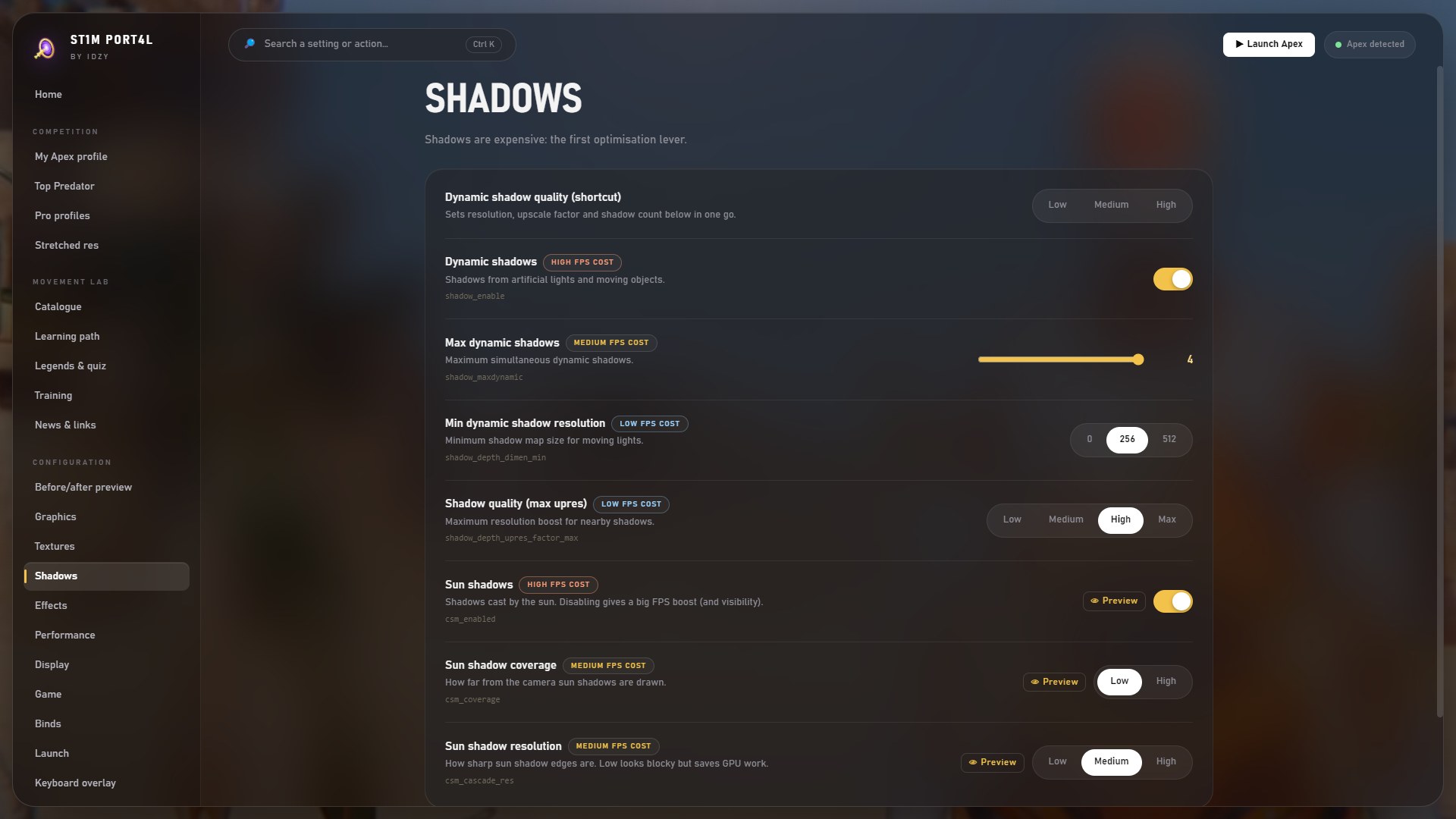
40+ settings Apex's menu won't show you. Review every change before it lands, undo any of them.
 ST1M PORT4L
[ Config editor · Apex Legends ] [ S-tier setup ]
Unlock what the game hides: pro profiles, stretched res without black bars and a full movement lab — in one launcher.
Home
40+ settings Apex's menu won't show you. Review every change before it lands, undo any of them.
 01
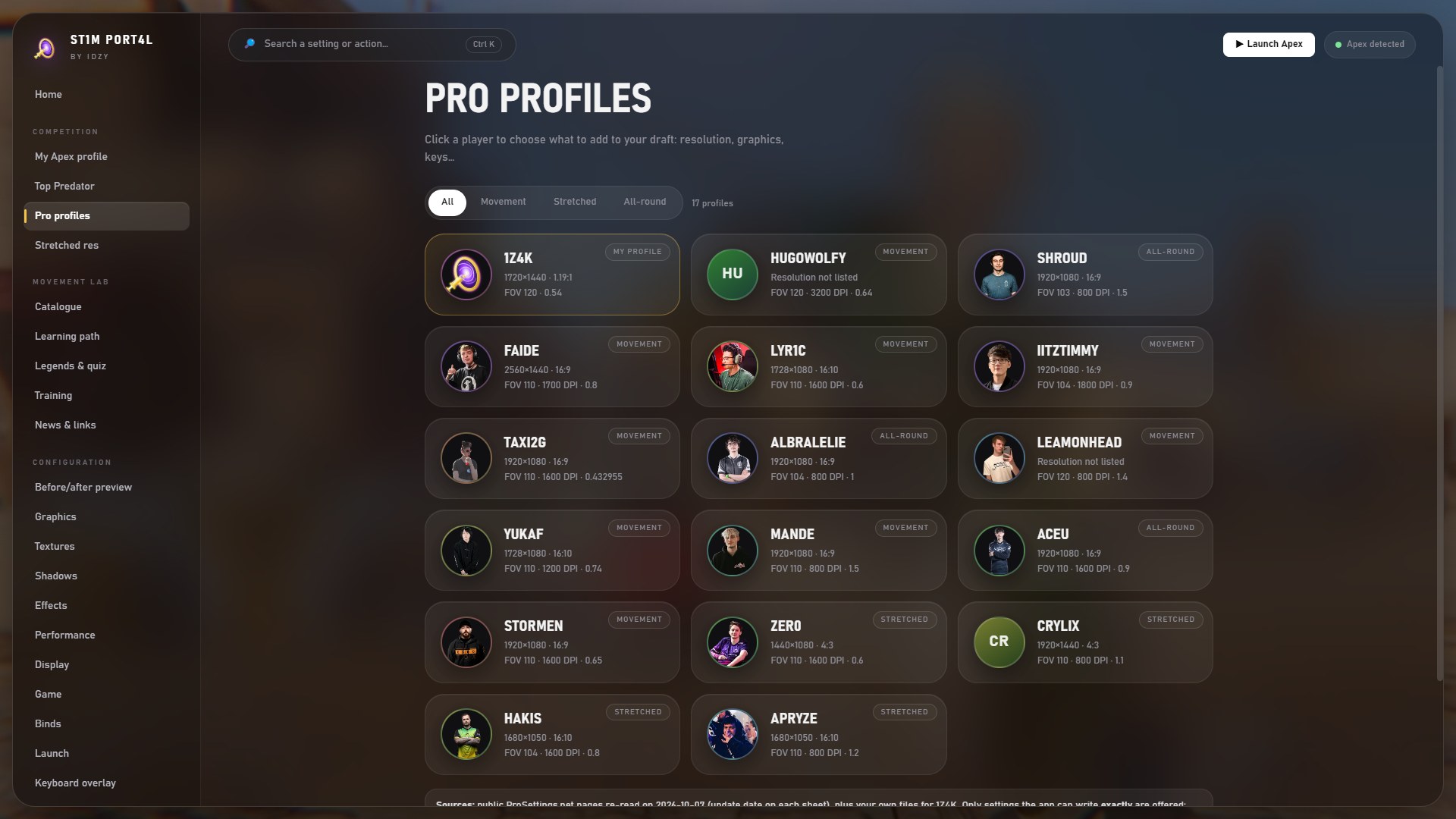
0115 keyboard & mouse setups — Faide, iiTzTimmy, YukaF…
Ranked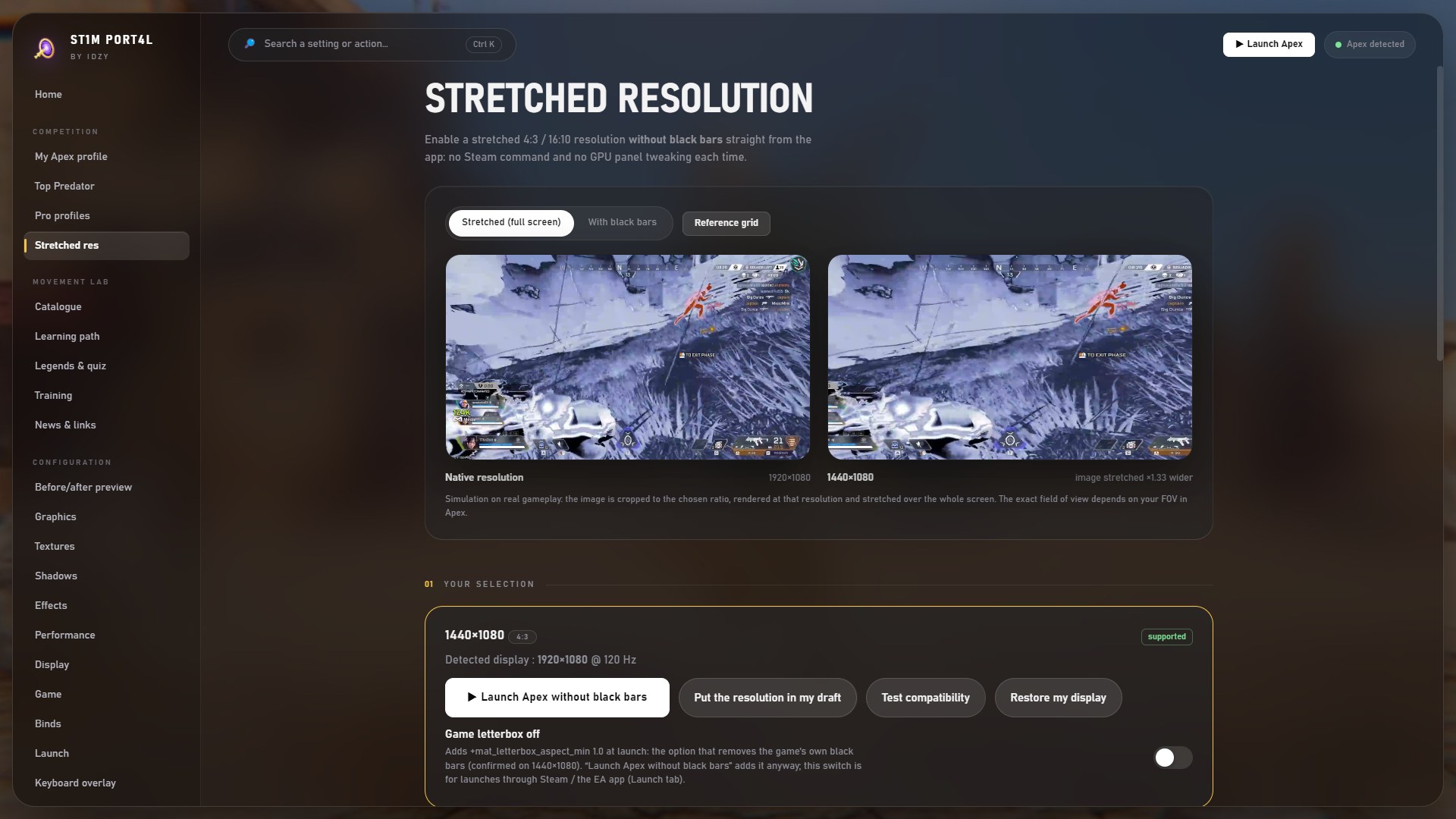 02
024:3 / 16:10 without black bars. No Steam command.
Ranked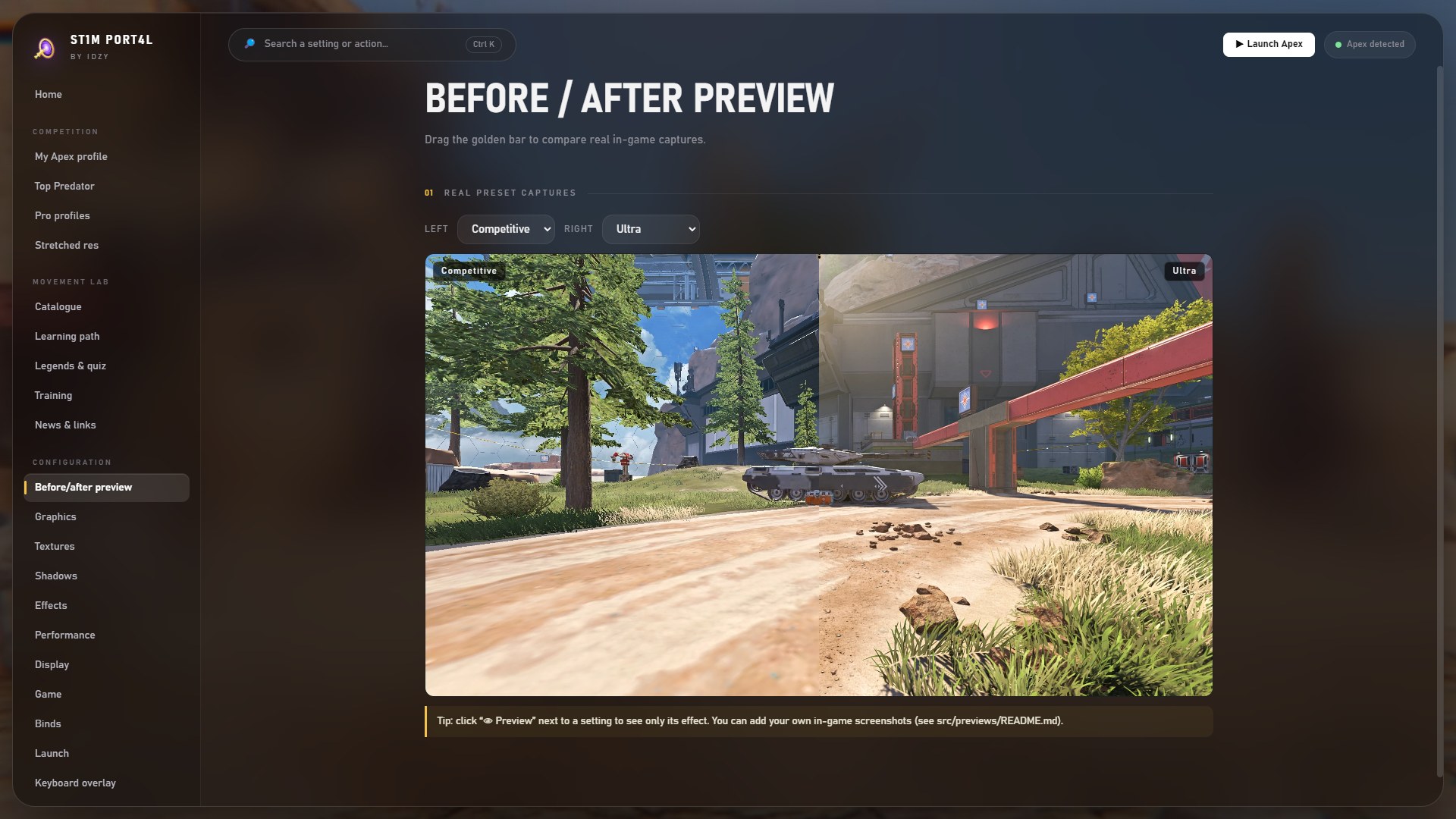 03
03Compare each setting on real in-game captures.
Config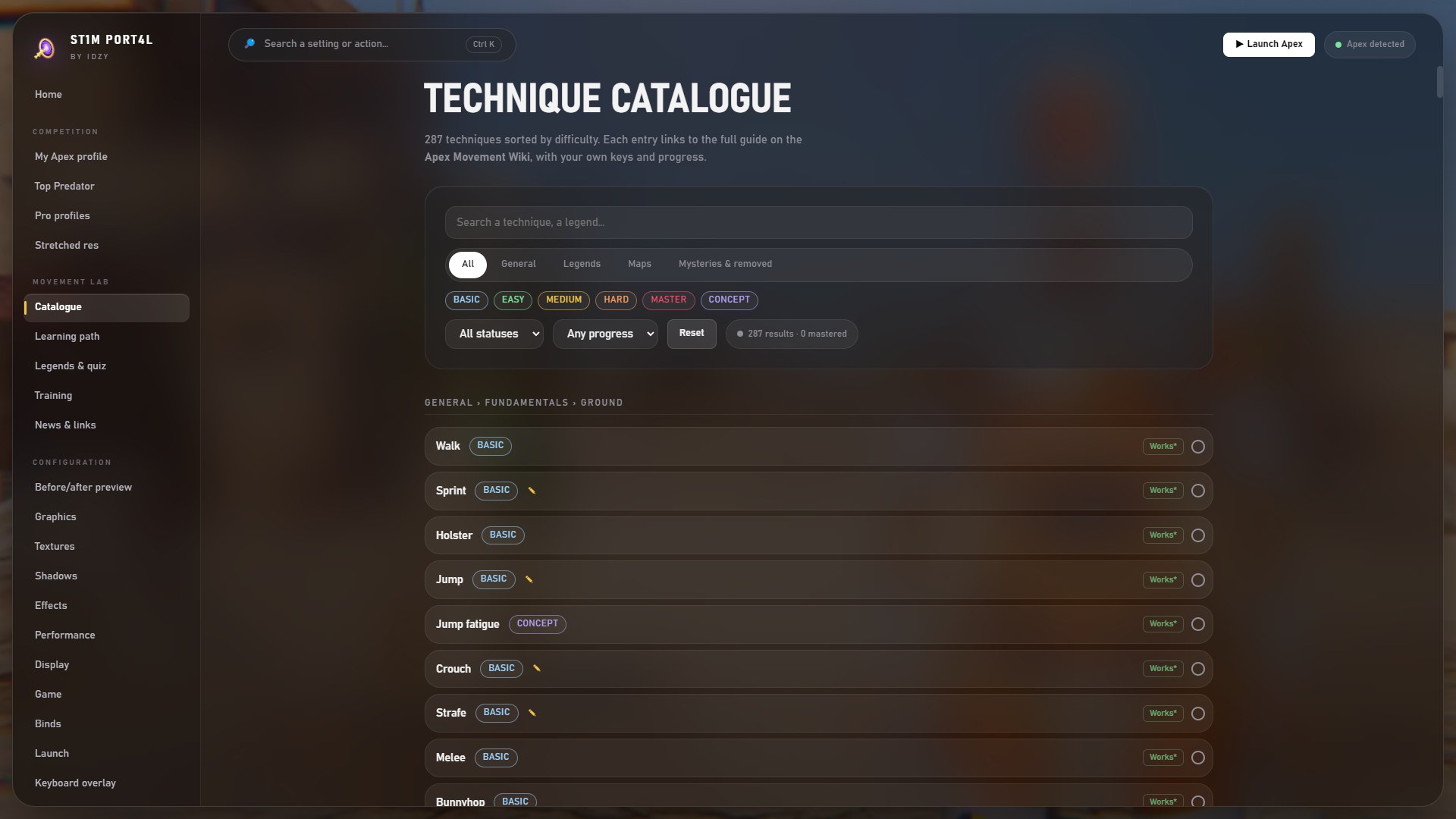 04
04287 techniques, shown with your own keys.
Movement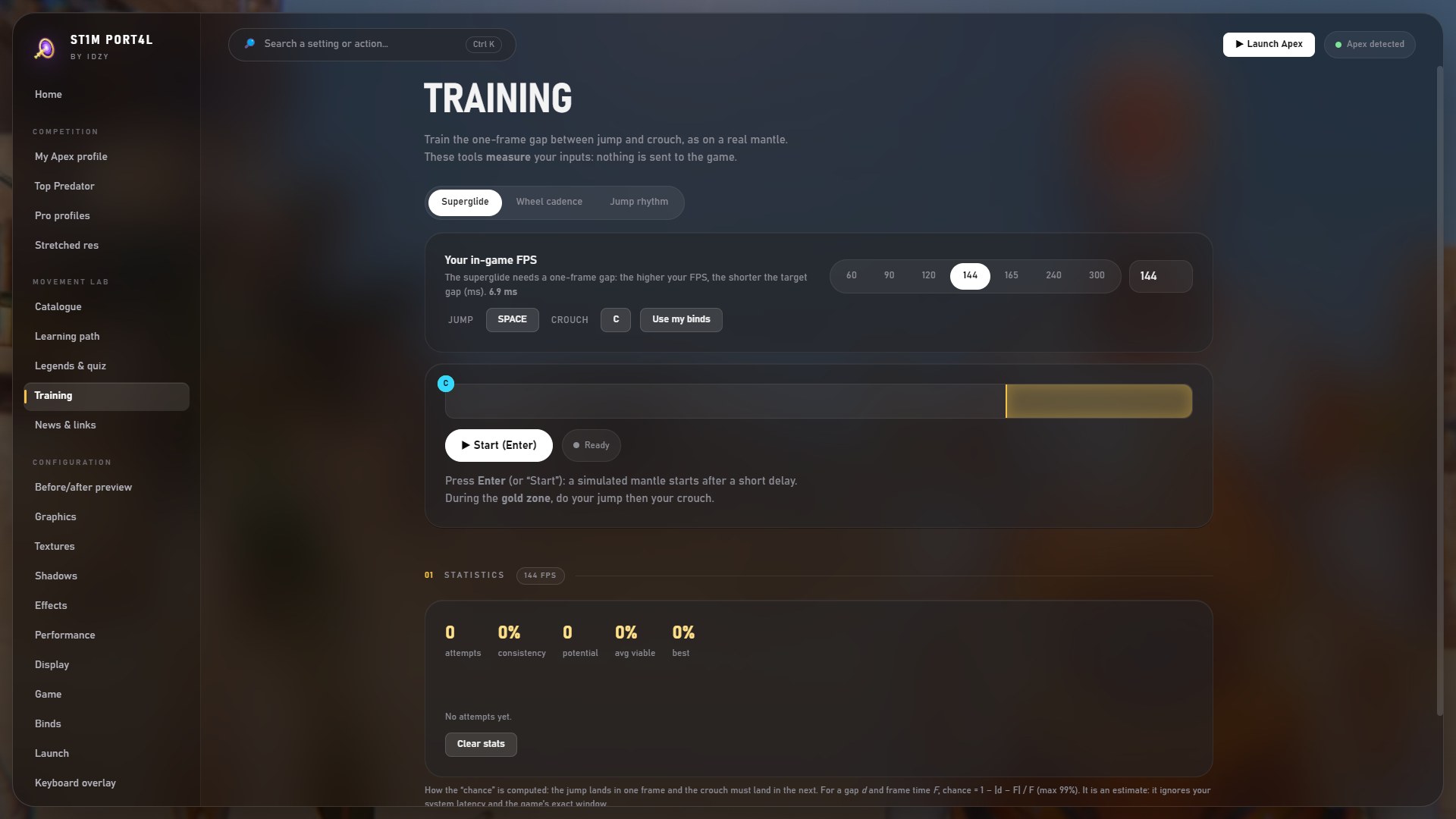 05
05Jump → crouch gap measured in frames.
Movement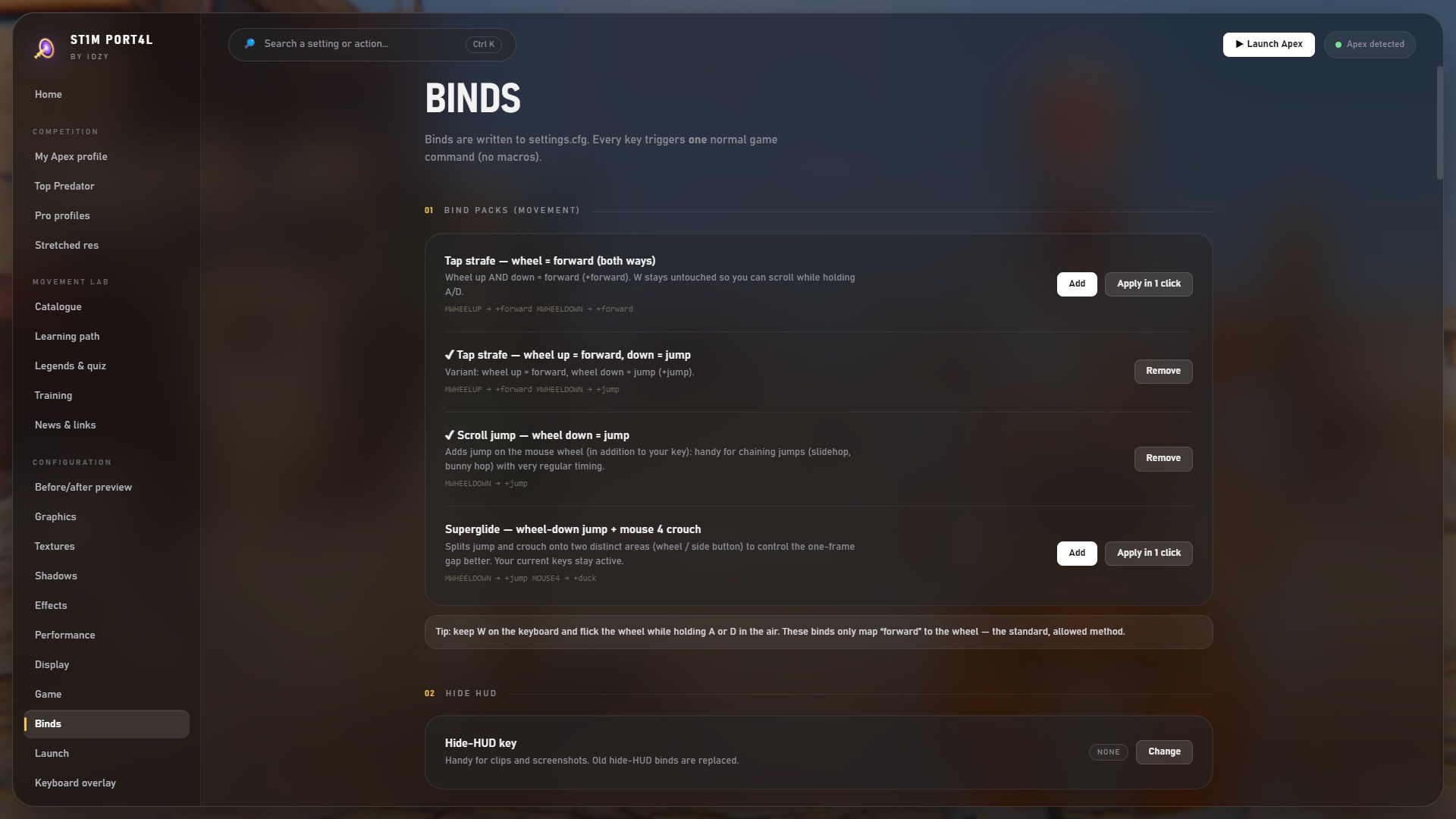 06
06Tap strafe, scroll jump… one click, no macros.
Movement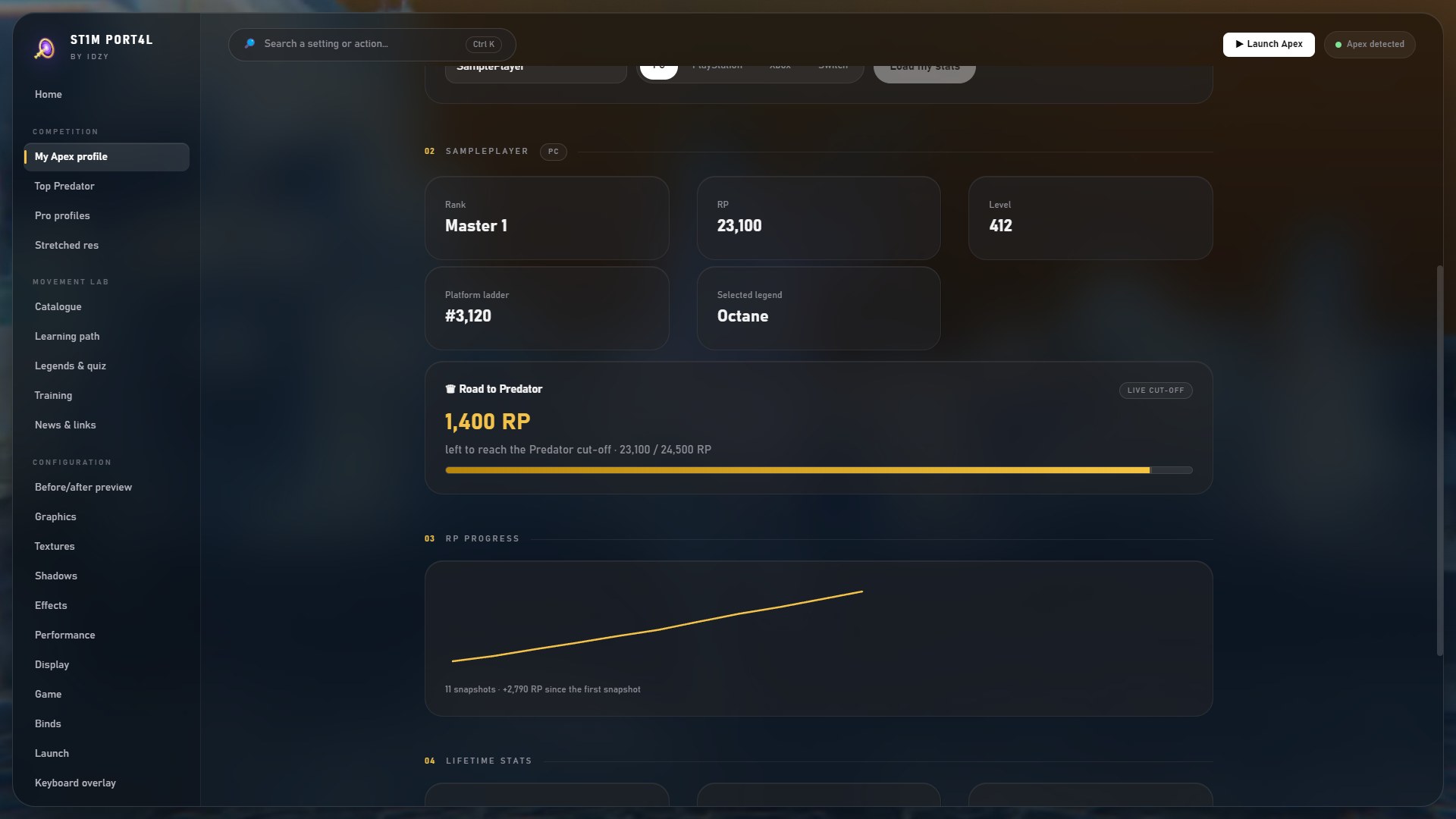 07
07Rank, RP history and the gap to the cut-off.
Ranked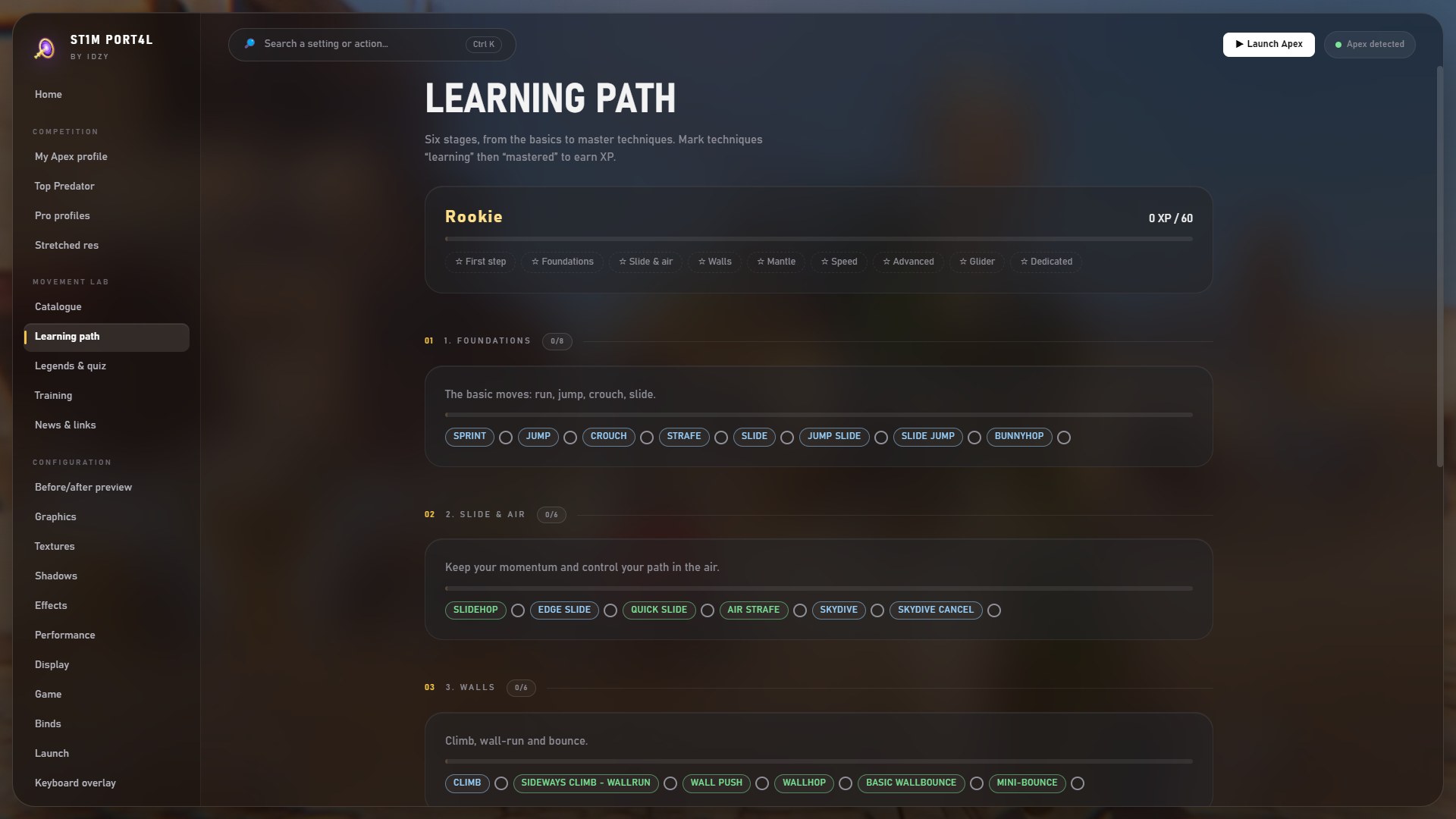 08
086 stages, XP and badges: Rookie → Apex Mover.
Movement[ 02 — Movement Lab ]
A catalogue of 287 techniques, a learning path, and trainers that measure your real inputs. They read — they never send anything to the game.
Frame-accurate gap, success chance and the reason you missed.
Wheel cadence in ticks per second, bunny-hop timing.
W A S D light up in game, a dot follows your aim. Ctrl + Shift + O.
Each legend's mobility — find the one that fits you.

Grab the installer. It checks for updates by itself.
Launch ST1M PORT4L — it finds your config on its own.
FOV 120, tuned shadows and textures. Backup made, Undo within reach.
The only calls go to GitHub for updates and news — and to the stats API if you add your own key.
Before every change to your files, with one-click restore.
The app edits config files and nothing else. Every key triggers one normal in-game command.
Every line is readable on GitHub, PowerShell helpers included.
[ 05 — Drop in ]
Free, ad-free and it will stay that way. Windows 10 / 11.
"Windows protected your PC"? Expected — the app is unsigned. Click More info → Run anyway. All the code is public.